Installation Instructions
Installing Nodos and nosman
Prerequisites
- Linux installer checks for
gitbefore Nodos installation and can auto-install it using a detected package manager. - Windows installer checks for
gitand Microsoft Visual C++ Redistributable before Nodos installation. - On Windows, Git auto-install uses
wingetwhen available; VC++ runtime uses Microsoft's official redistributable installer.
Developing Nodes with C++
- Set Up Environment: Ensure your development environment is configured with a C++ compiler and shader compilation tools.
- Install Dependencies with Command-Line Interface:
- Open a terminal or command prompt in the Nodos directory.
- Run
nosman installto handle any subsystem and dependency installation.
- Verify Installation: Open a terminal or command prompt and run
nodos --versionto verify the installation.
Info
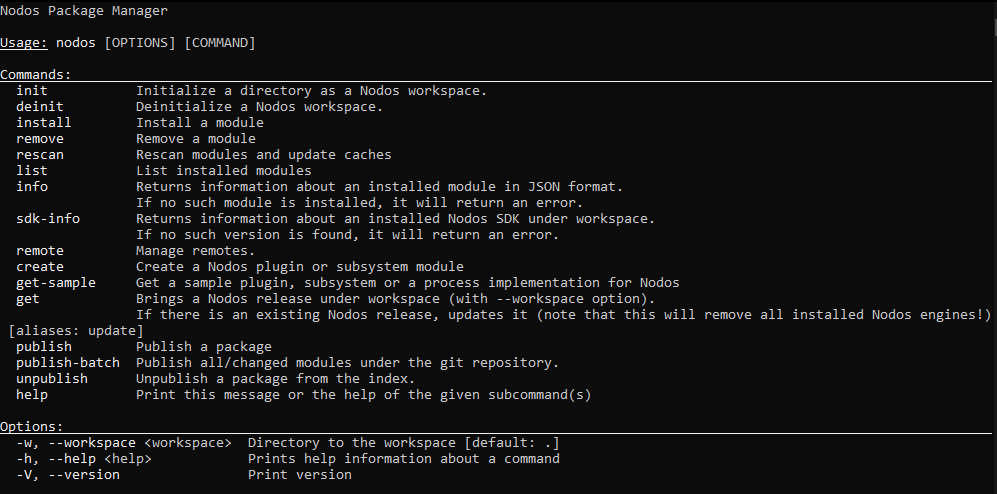
Just type nodos from command line to get help: